
Google Ads has become a powerhouse for e-commerce businesses in recent years, offering a direct way to reach potential customers when they’re actively searching for products. But as digital marketing evolves, so do the best practices for managing Google Ads. In 2026, it’s more important than ever to optimize your campaigns to ensure you’re spending your marketing budget wisely and driving real sales.
Let’s explore practical steps to optimize your Google Ads campaigns for your e-commerce business in 2026. Whether you’re new to Google Ads or looking to refine your strategy, these tips will help you get the most out of your advertising efforts.
1. Define Your Campaign Goals
Before diving into ads, it’s essential to know what you want to achieve. Google Ads offers different campaign types depending on your goal, and understanding your objective will help you set up more targeted, effective campaigns.
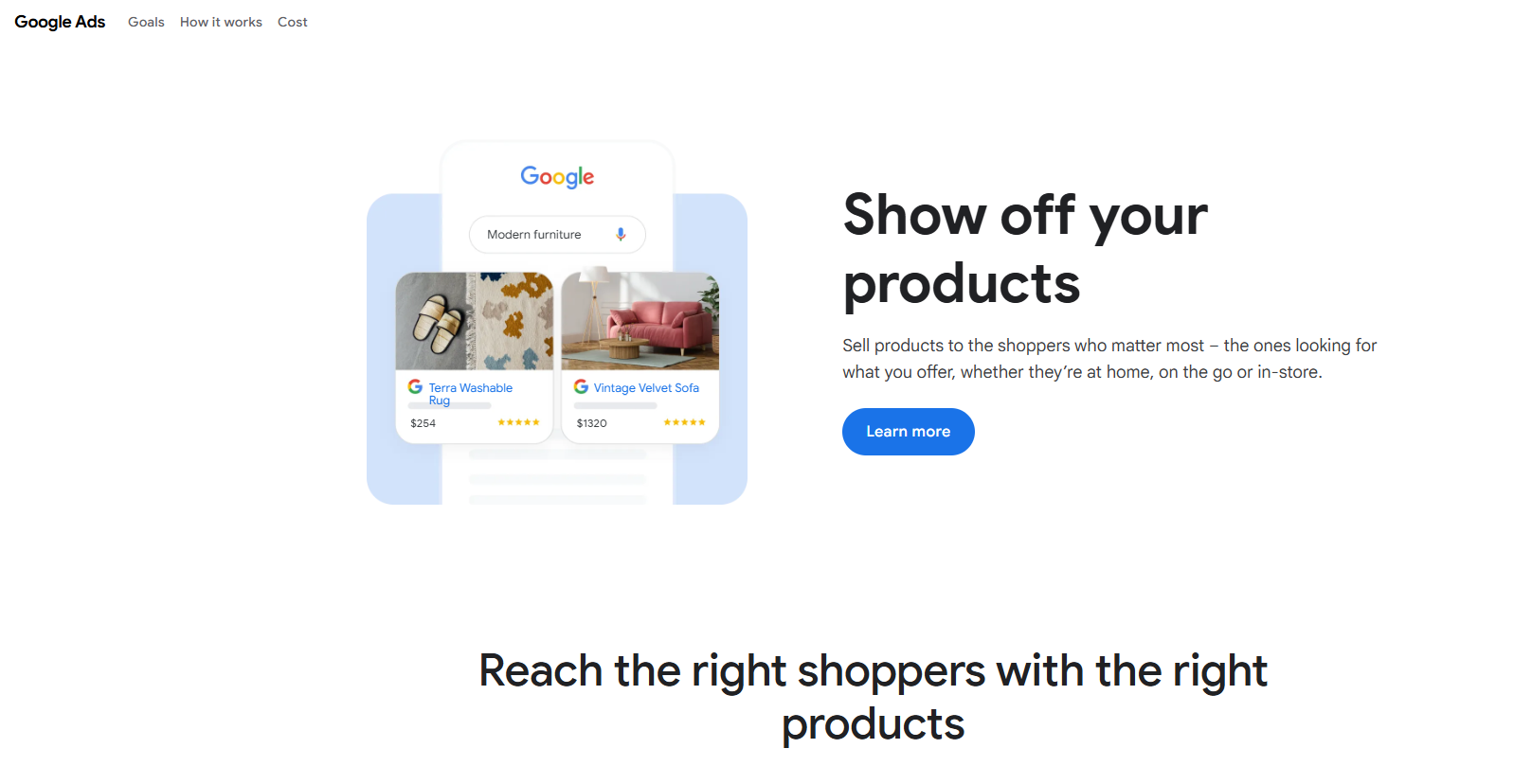
- Goal: Boost Sales? Use Google Shopping Ads to directly display product images, prices, and store names in Google Search. These ads help customers make quick purchasing decisions by showing them exactly what you’re selling.
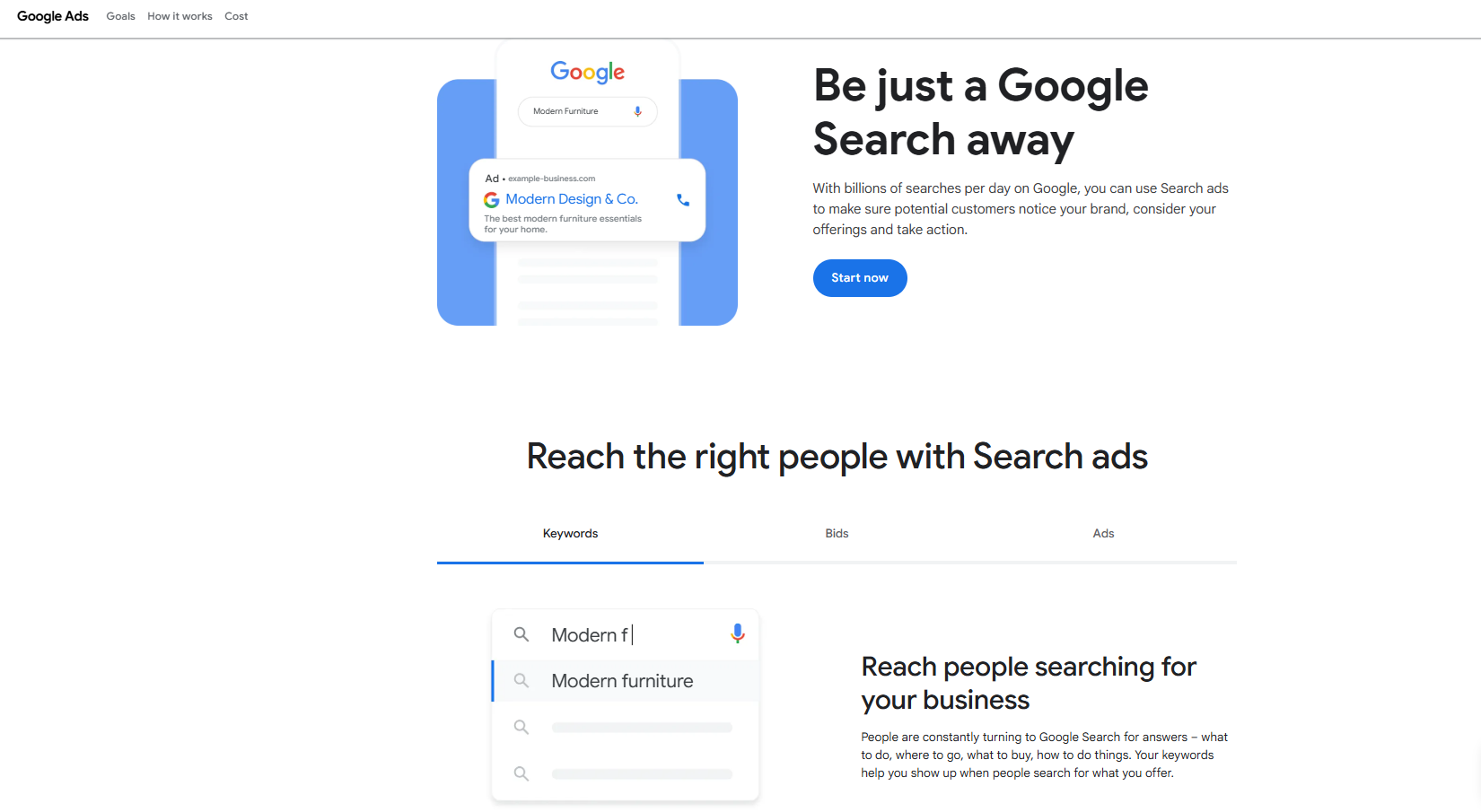
- Goal: Increase Website Traffic? If you’re looking to drive traffic to your online store, Search Ads are your go-to option. These ads target specific keywords and lead potential customers to your product pages.
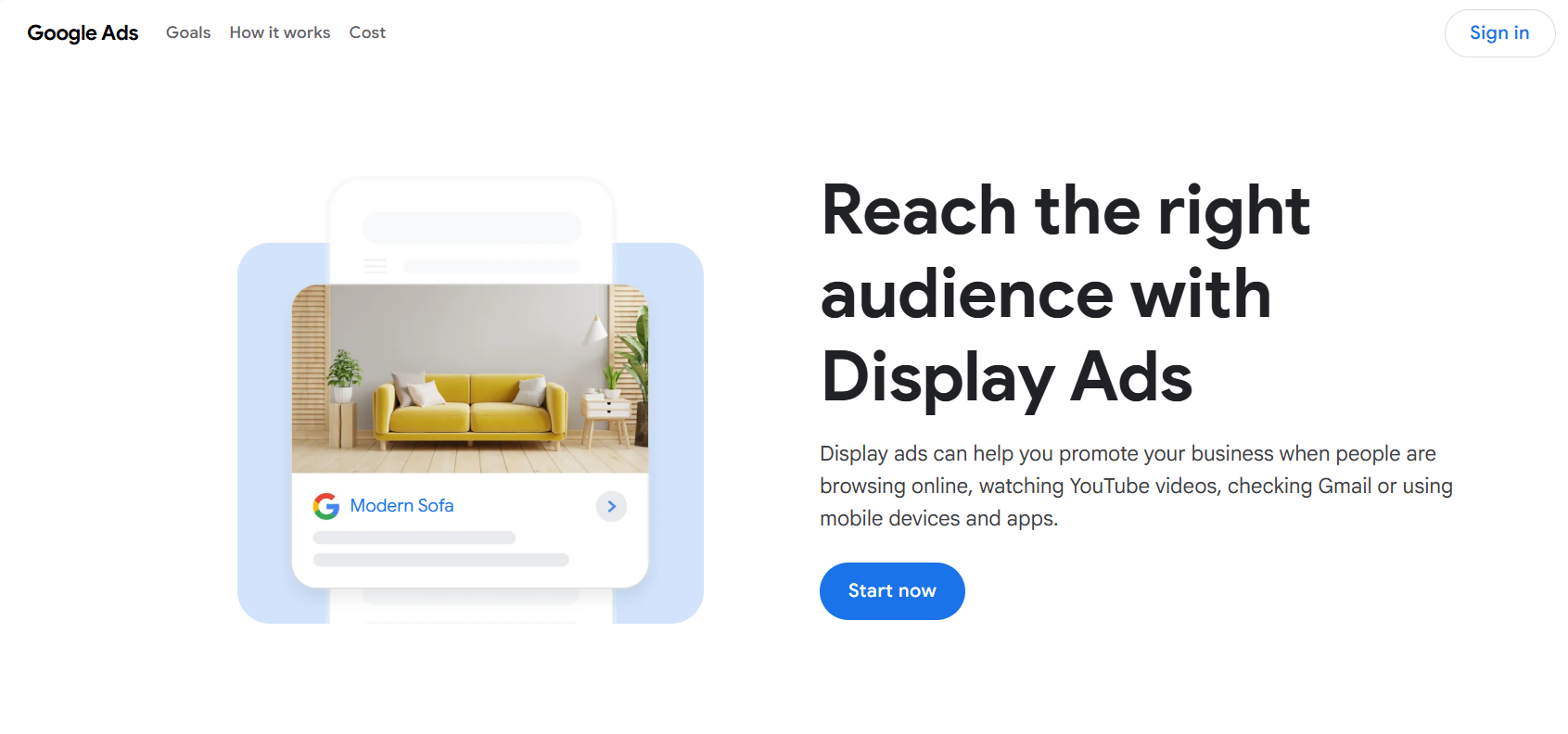
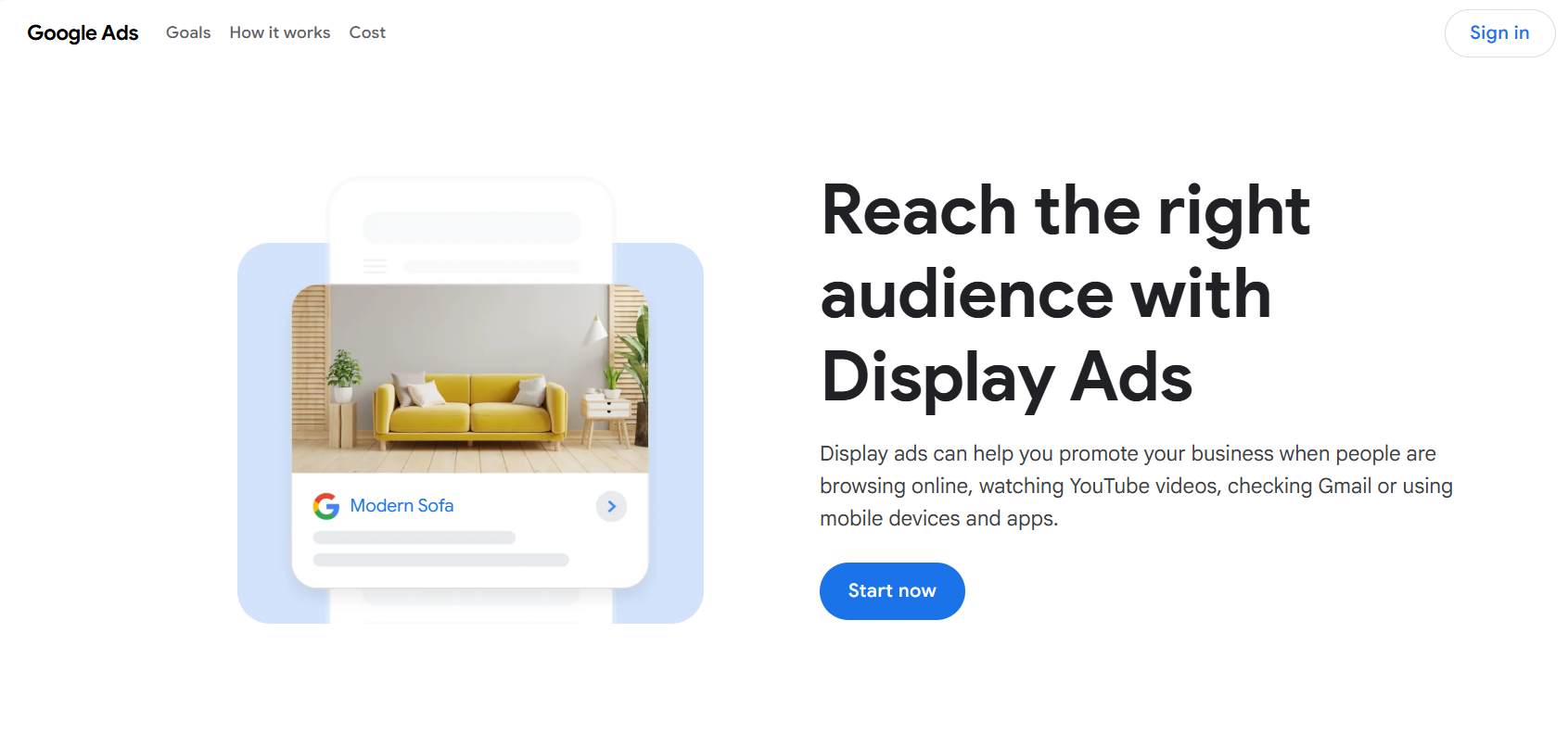
- Goal: Grow Brand Awareness? For brand visibility, Display Ads or YouTube Ads work wonders by visually promoting your products across Google’s vast network.
By setting a clear goal first, you’ll have a solid foundation to tailor your ad campaigns for maximum results.
2. Leverage Smart Bidding
One of the most powerful features of Google Ads is Smart Bidding. This feature uses machine learning to automatically adjust your bids in real time based on various factors like time of day, location, device, and more. This makes managing your bids much easier and more effective.
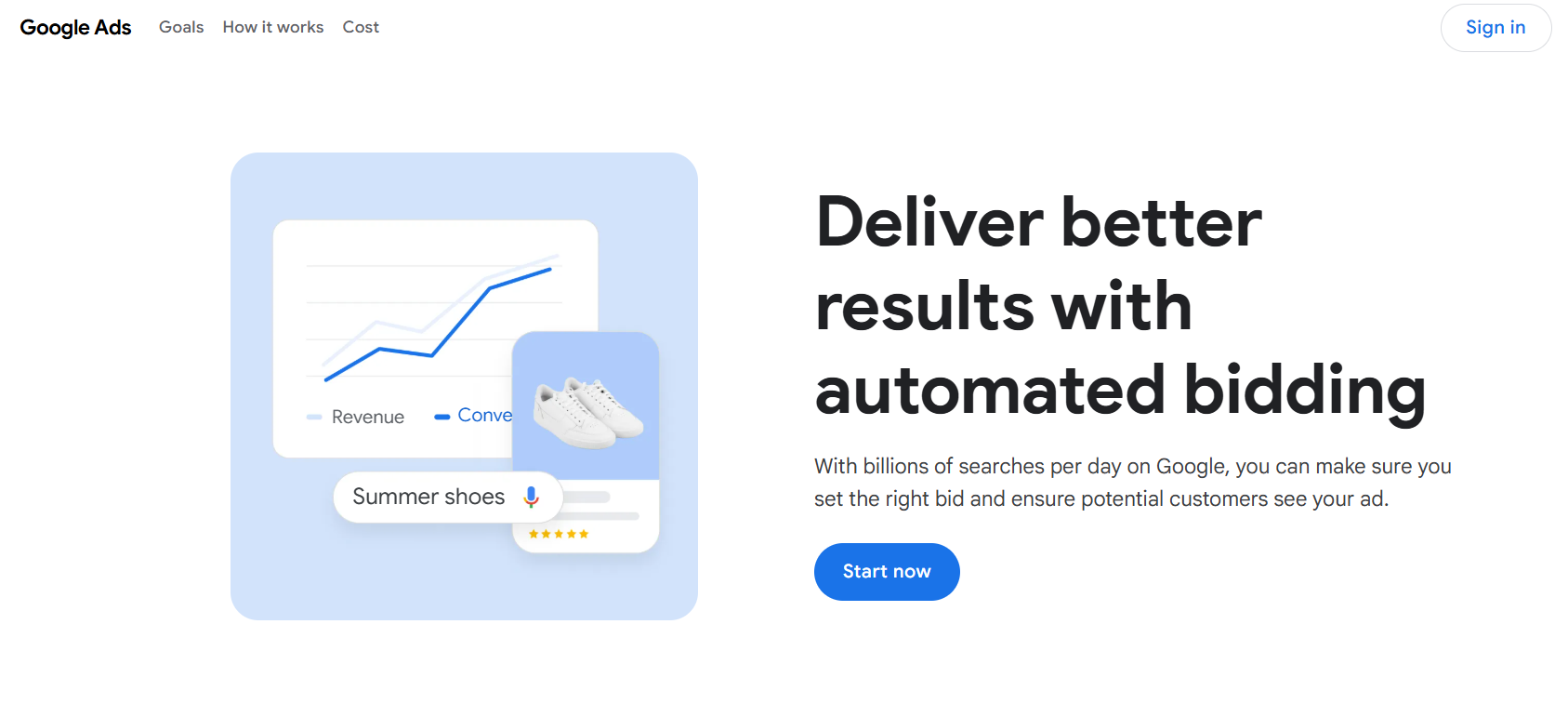
- Target CPA (Cost Per Acquisition): If your primary goal is to generate sales at a specific cost, this bidding strategy optimizes for conversions within your target CPA.
- Target ROAS (Return on Ad Spend): For those focused on maximizing revenue, Target ROAS allows you to adjust bids to get the most profit from your ad spend.
- Maximize Conversions: If you just want to generate as many conversions as possible within your budget, this strategy is perfect for scaling your ad campaigns.
Smart Bidding saves you time and ensures you’re spending your ad budget in the most effective way possible.
3. Optimize Your Product Feed for Google Shopping Ads
Google Shopping Ads are one of the most powerful tools for e-commerce businesses, but to make them work for you, the product feed you upload to Google Merchant Center needs to be well-optimized.
Here’s how you can optimize it:
- Clear Product Titles and Descriptions: Use detailed, keyword-rich titles and descriptions that accurately reflect your products. Instead of a generic title like “Shoes,” use something specific like “Men’s Running Shoes, Size 10, Blue.”
- High-Quality Images: Google values high-quality images, so make sure your product images are clear, high-resolution, and taken from multiple angles to give customers a good look at your product.
- Regular Feed Updates: Keep your product feed up to date with the latest stock, pricing, and product details. Google rewards accurate feeds by giving your ads better visibility.
An optimized product feed ensures your Google Shopping ads are showing relevant products to the right audience at the right time.
4. Target the Right Keywords for Search Ads
The key to successful Google Ads is using the right keywords. Keywords are the terms people type into Google when they’re looking for products like yours. Getting these right is crucial for targeting the right audience.
- Use Long-Tail Keywords: These specific, less competitive phrases help you reach customers who know exactly what they’re looking for. For example, instead of “laptop,” target “best budget laptops for students.”
- Implement Negative Keywords: Negative keywords help filter out irrelevant traffic. For example, if you sell luxury handbags, you might want to add “cheap” or “discount” as negative keywords to avoid targeting price-sensitive shoppers.
- Focus on User Intent: Be mindful of the searcher’s intent. Someone typing “buy wireless headphones” is likely ready to purchase, while someone searching “how do wireless headphones work” might need more information.
By focusing on the right keywords, you’ll increase the chances of connecting with potential customers who are ready to convert.
5. Craft Effective Ad Copy
Your ad copy is the first thing customers will see, and it can make or break a sale. Strong, compelling ad copy encourages users to click and, ultimately, purchase. Here’s how to create ad copy that works:
- Highlight What Makes You Unique: Whether it’s free shipping, easy returns, or limited-time deals, make sure your ad copy clearly emphasizes the value customers get when they shop with you.
- Use Strong Calls-to-Action (CTAs): Encourage customers to take immediate action. Phrases like “Shop Now,” “Order Today,” or “Limited Stock—Buy Now!” can help create a sense of urgency.
- Test Variations: Try different ad copies to see what resonates most with your audience. Test different headlines, descriptions, and CTAs to optimize your performance.
Effective ad copy attracts attention and drives people to take action, so invest the time to perfect it.
6. Mobile Optimization is Key
More shoppers are using mobile devices to browse and buy products online. If your Google Ads campaigns aren’t optimized for mobile, you could be losing out on a lot of potential sales.
- Ensure Mobile-Friendly Landing Pages: Make sure your product pages are responsive and load quickly on mobile devices. If customers have to wait too long, they’ll likely leave your site before making a purchase.
- Adjust Bids for Mobile Devices: Google Ads lets you set separate bids for mobile, desktop, and tablet users. If mobile users are converting more, increase your mobile bids for better visibility on phones.
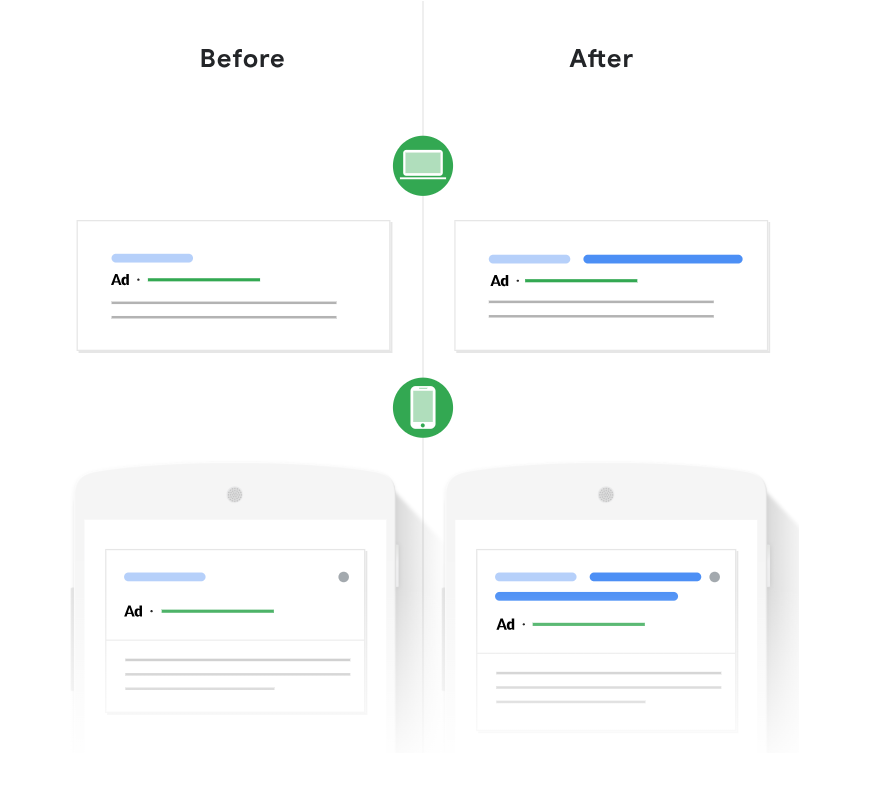
Mobile optimization is no longer optional—it’s essential to reach the growing number of customers shopping on their smartphones.
7. Regularly Monitor and Optimize Your Campaigns
Google Ads is dynamic, and what works today may not work tomorrow. Regularly reviewing and tweaking your campaigns ensures that you continue to get the best performance.
- Track Performance Metrics: Keep an eye on your CTR (Click-Through Rate), conversion rates, and cost per conversion. These metrics tell you how well your ads are performing and where adjustments may be needed.
- Adjust Bids and Budget: Based on your performance, consider raising bids for top-performing keywords or pausing ads that aren’t generating enough returns.
- A/B Test: Keep testing new ad variations to find the best-performing combinations. This could mean testing different headlines, images, or even keywords.
By consistently monitoring your campaigns and making tweaks based on data, you’ll ensure your Google Ads campaigns continue to improve over time.
Conclusion
Optimizing your Google Ads campaigns in 2026 is key to boosting your e-commerce business. By setting clear goals, using smart bidding, optimizing your product feed, and targeting the right keywords, you can achieve better results.
At Blazon, a leading Google advertising agency in Coimbatore, we specialize in helping businesses improve their Google Ads performance. Our team offers tailored digital marketing solutions to drive traffic and increase sales.
Contact Blazon today to take your Google Ads campaigns to the next level!