


Building a website used to be something that only professional designers and developers could do. But today, thanks to AI design tools, anyone can create a beautiful, functional website — no coding skills required! Whether you’re a small business owner, a creative professional, or just someone who wants to share their ideas online, AI can help you build a website that’s sleek and easy to navigate.
In this guide, we’ll show you how to use AI design tools to create your own stunning website, step by step.
Don’t worry, it’s all super easy — you’ll have a site up and running in no time!
Why Should You Use AI Design Tools?
Before we dive into how to use these tools, let’s quickly look at why they’re such a game-changer.
- No Design Skills Needed
You don’t need to know how to design or code a website. AI takes care of all the technical stuff for you, so you can focus on the content and look of your site. - Quick & Easy
AI tools work fast! You won’t have to spend days learning new software or trying to figure out complicated design principles. Just answer a few simple questions, and the AI handles the rest. - Affordable
Hiring a professional web designer can be expensive. AI design tools, on the other hand, are usually budget-friendly, and many even offer free plans! - Flexible & Customizable
While AI tools give you a great starting point, they also let you make adjustments. You can tweak colors, fonts, layouts, and more, so your site looks exactly how you want it. - Mobile-Friendly
These tools ensure that your site looks great on phones, tablets, and desktops. No need to worry about making your site mobile-friendly — AI does it automatically!
How to Create a Website Using AI Design Tools
Now, let’s get into the nitty-gritty of how you can actually create your website using AI. Don’t worry — it’s easy, and We’ll guide you through the whole process!
Step 1: Choose an AI Website Builder
There are lots of different AI website builders out there, and they all have their own unique features. Here are a few popular ones to consider:
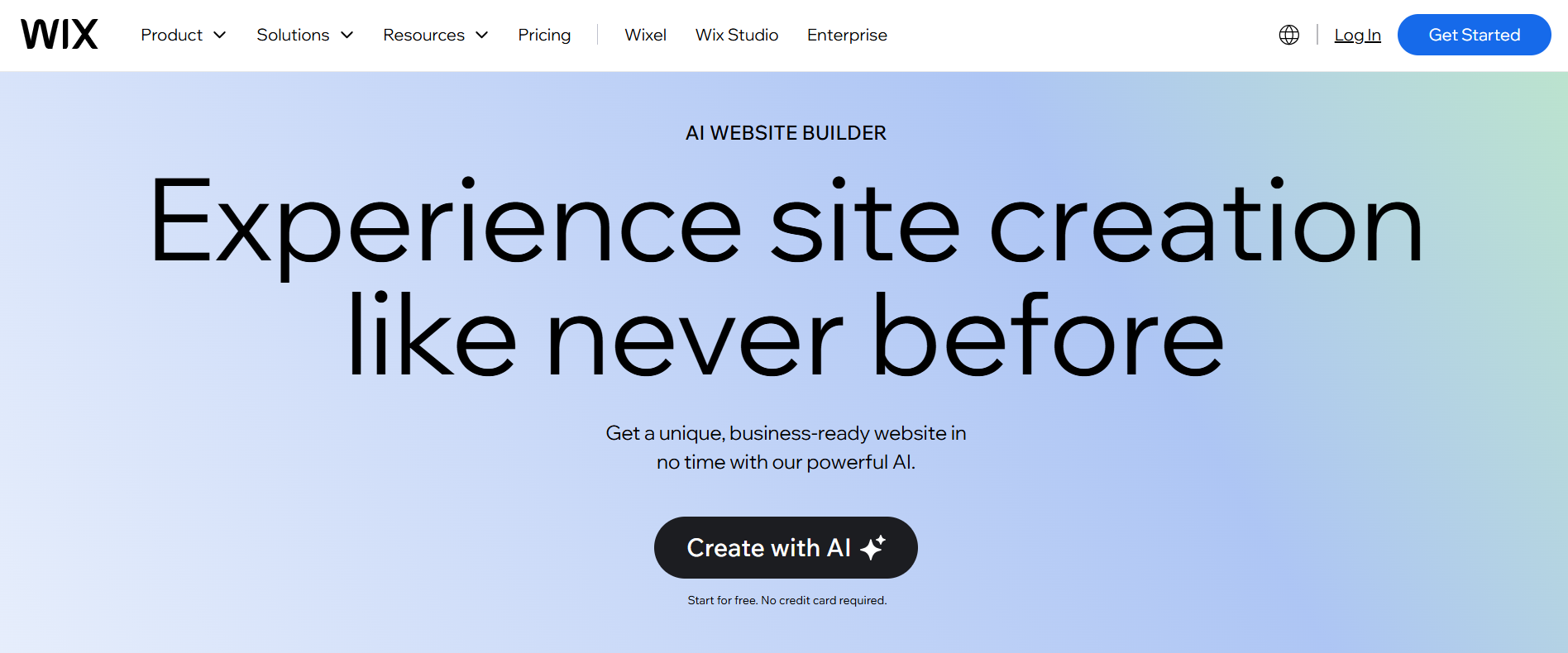
- Wix ADI (Artificial Design Intelligence): This tool asks you a few questions, like what kind of website you want and your design preferences, and then creates a personalized site for you. You can customize it further, but the basics are all set up for you.
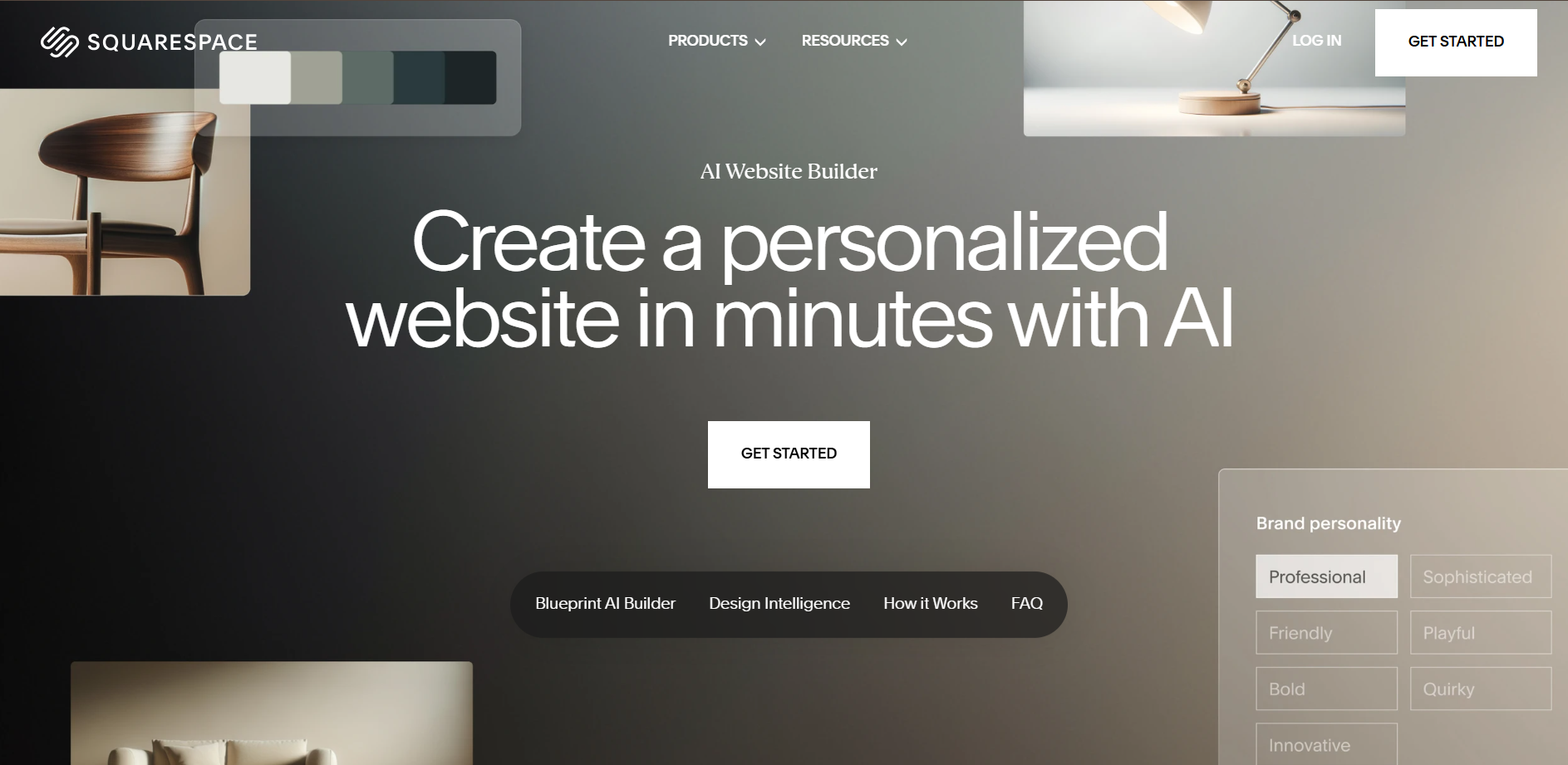
- Squarespace: While Squarespace is often associated with templates, its AI tools are great for automating parts of the website design process. It’s particularly popular for creatives, such as photographers, artists, and small businesses.
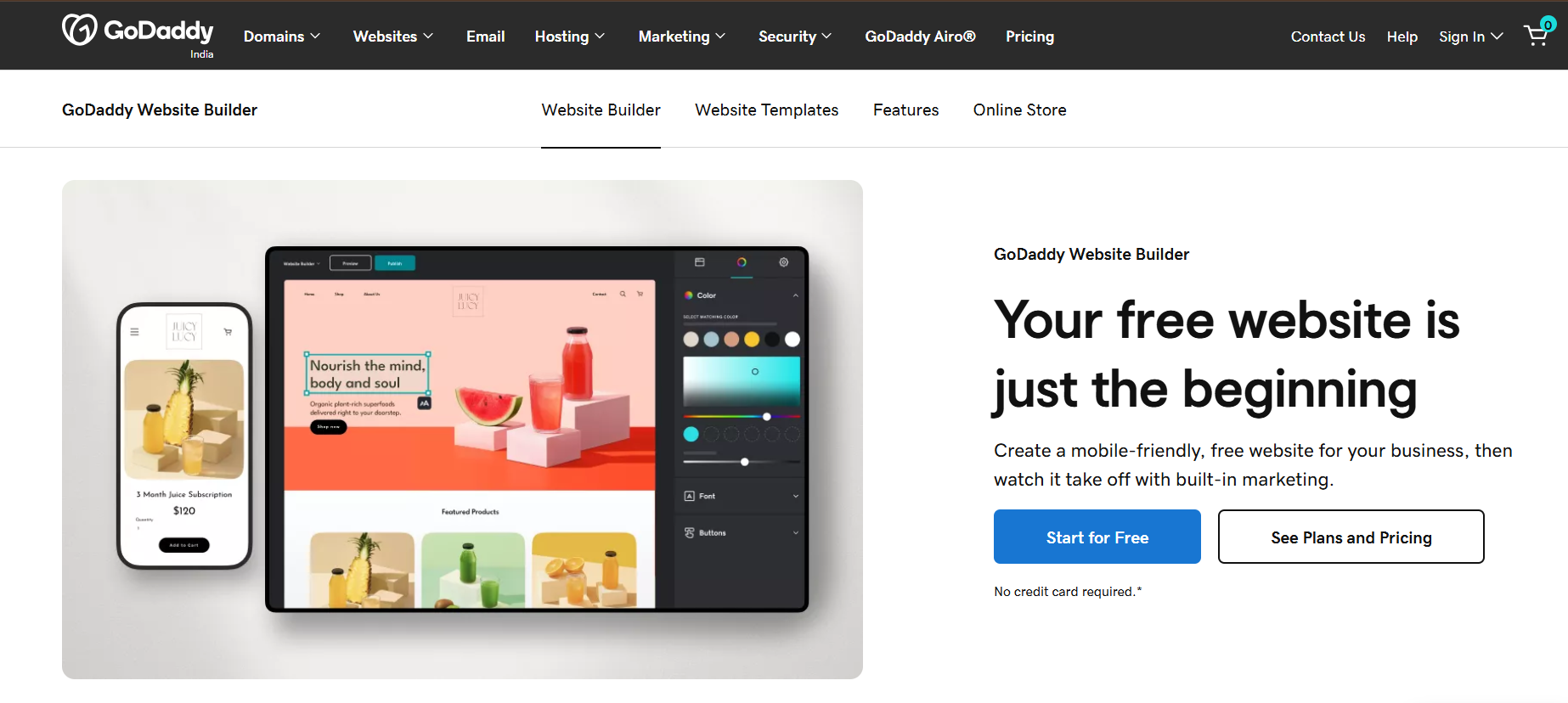
- GoDaddy Website Builder: GoDaddy’s website builder uses AI to help you create a professional-looking site in minutes. It’s known for its simplicity and is perfect for people who don’t want to spend a lot of time on the design process.
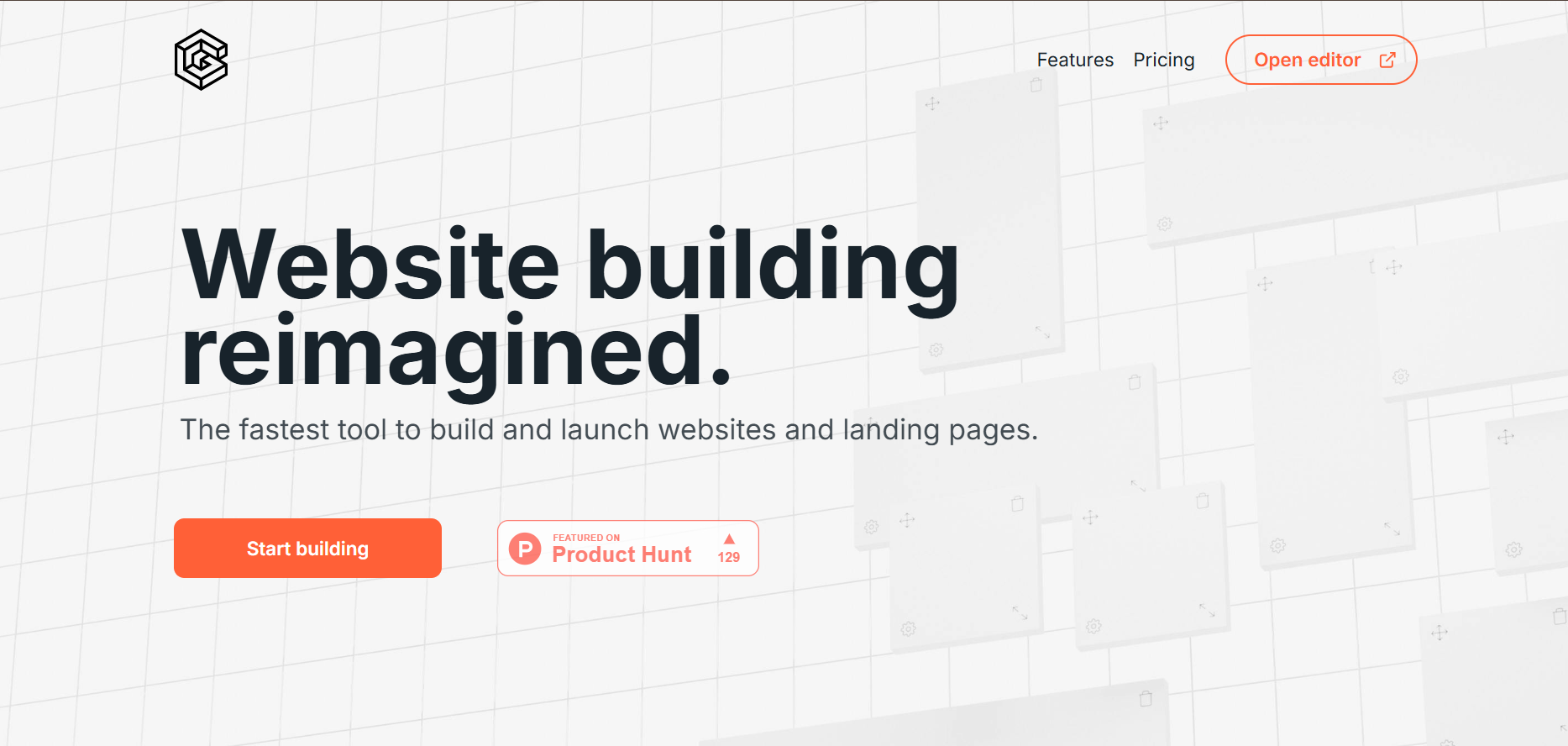
- The Grid: The Grid automatically designs your website based on your content and your style preferences. It’s great for those who want an easy-to-use, no-fuss design tool.
Pick one that seems like the best fit for your needs, and sign up. Many of these tools have free plans, so you can try them out without committing right away.
Step 2: Answer a Few Simple Questions
Once you’ve picked your AI design tool, you’ll usually be asked to answer a few questions about what you want your website to do. These questions might include:
- What’s the purpose of your website? (Business, blog, portfolio, etc.)
- What kind of style do you like? (Minimalist, modern, classic, etc.)
- Do you need any special features? (E-commerce, contact forms, booking system, etc.)
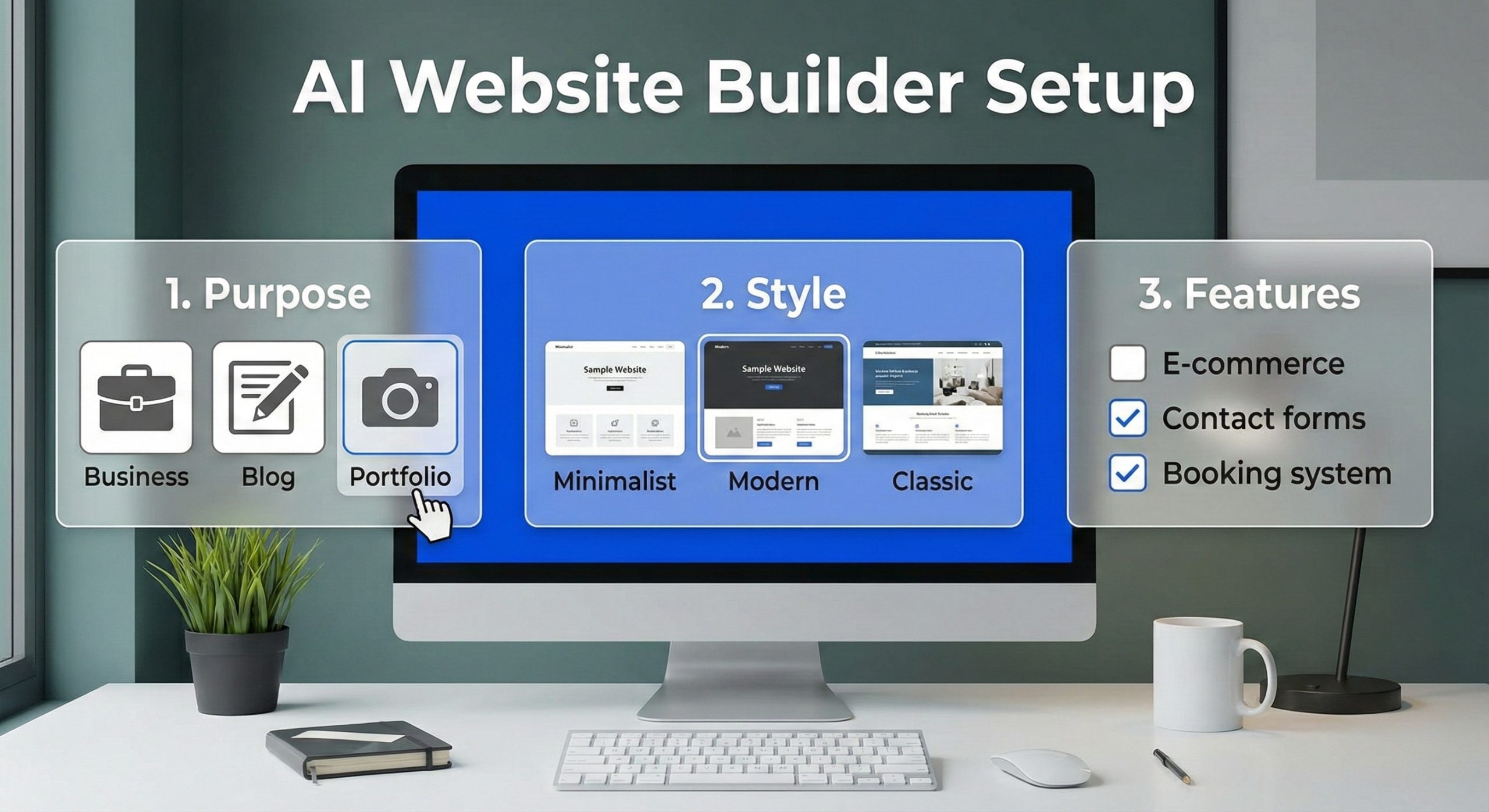
Based on your answers, the AI will generate a basic layout and design for your site. It’s super easy — all you have to do is answer some simple questions!
Step 3: Customize Your Design
Now comes the fun part! While the AI tool does most of the work, you can still tweak the design to match your vision.
Here’s how to make it your own:
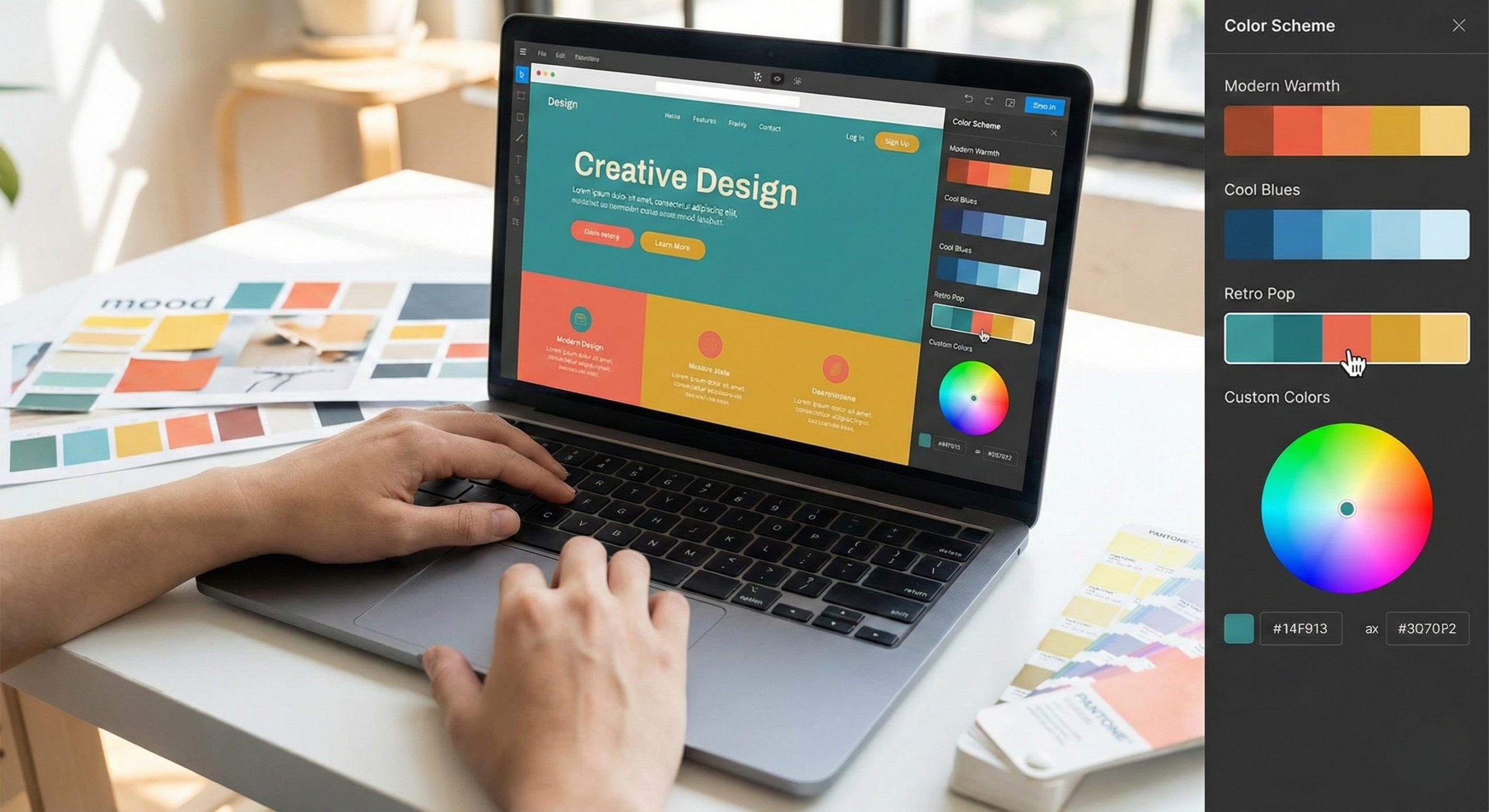
- Change the Color Scheme: Pick colors that represent your brand or style. Most AI tools will offer color palettes, or you can choose your own.
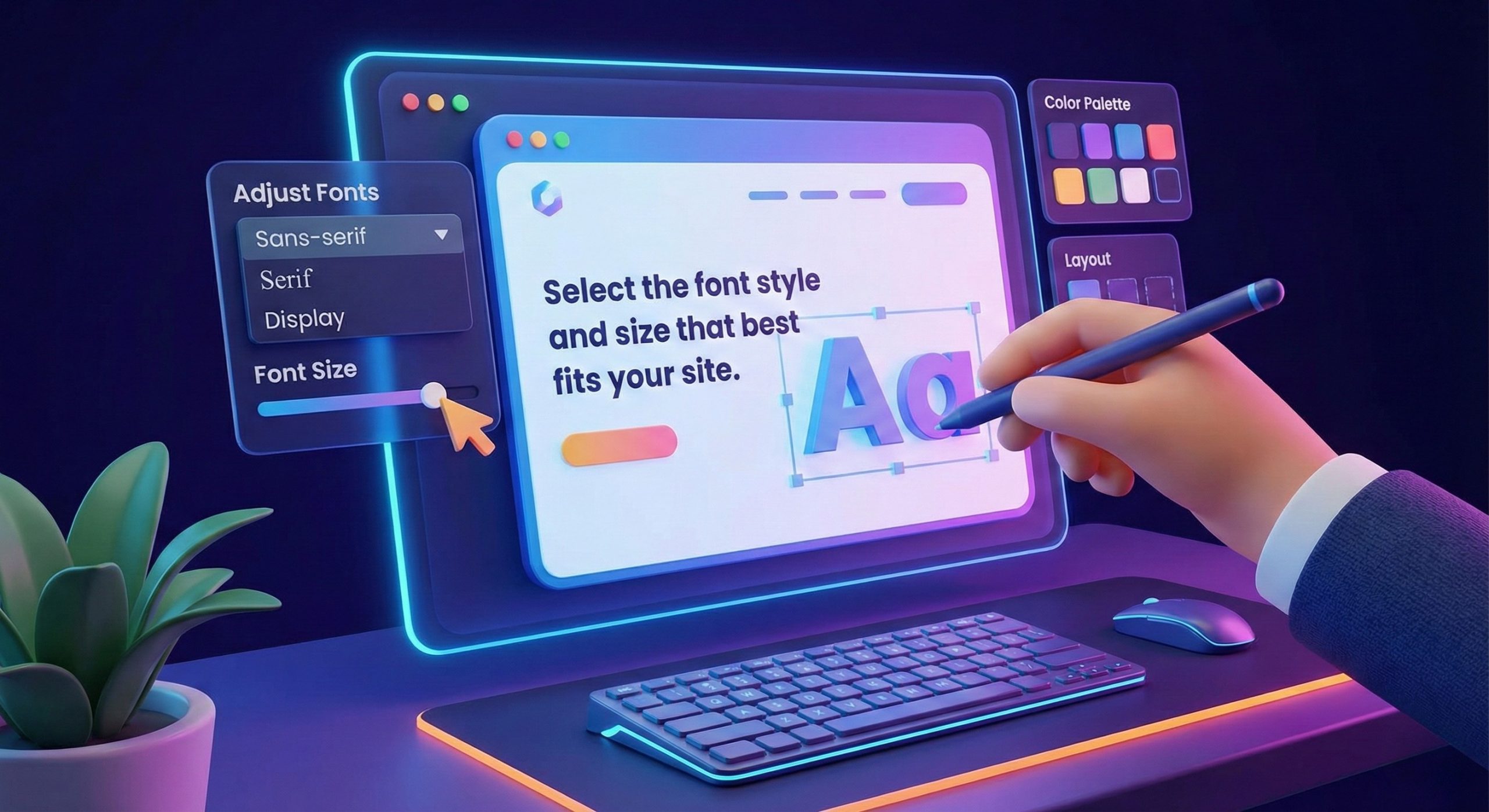
- Adjust Fonts: Select the font style and size that best fits your site. AI tools usually have a few font options to choose from.
- Add Your Own Images: Upload your own photos or use stock images provided by the tool. A website with images always looks more professional and engaging.

- Rearrange Sections: Want to change the order of things on your page? No problem! You can move sections around to suit your needs.
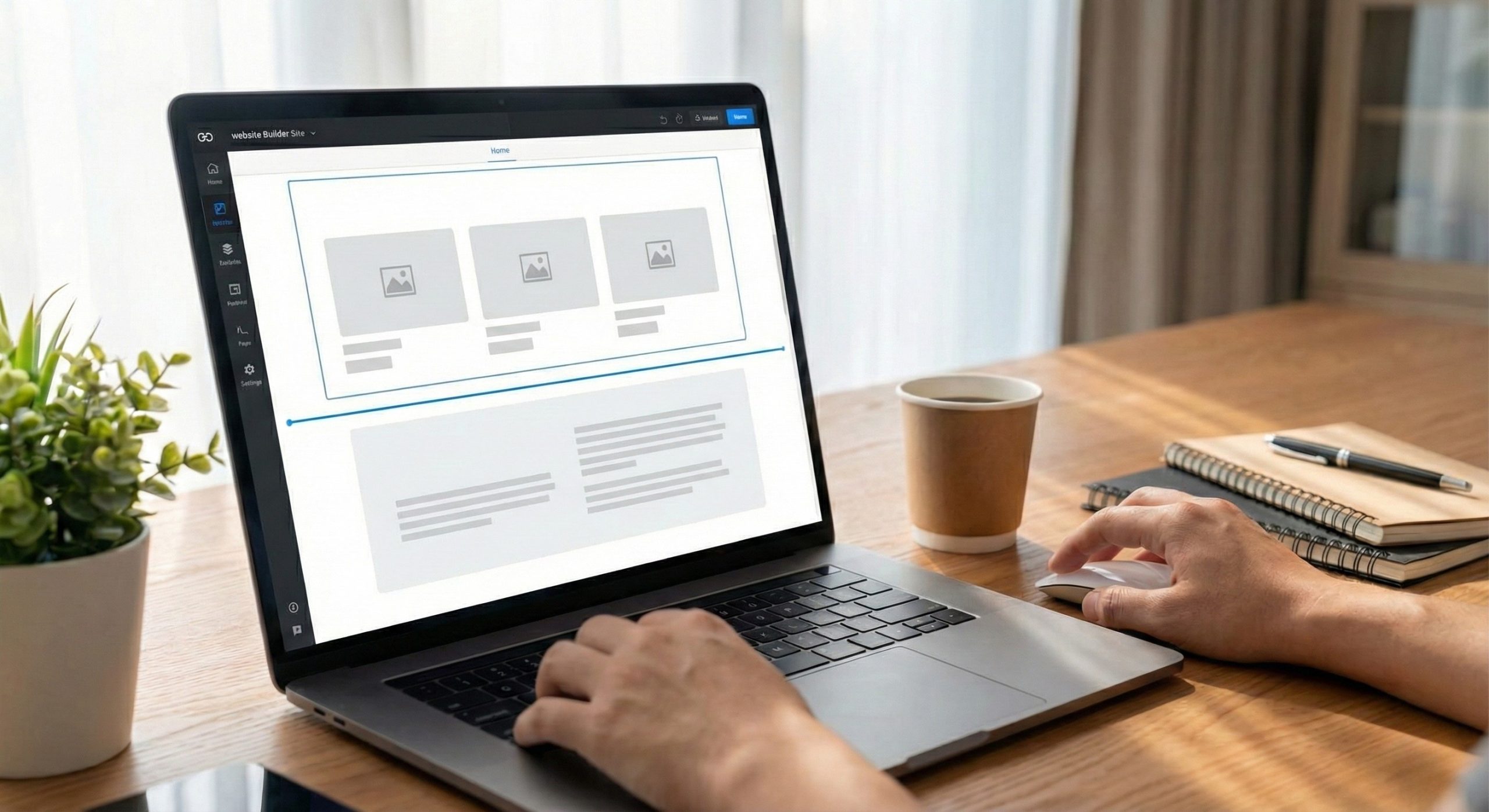
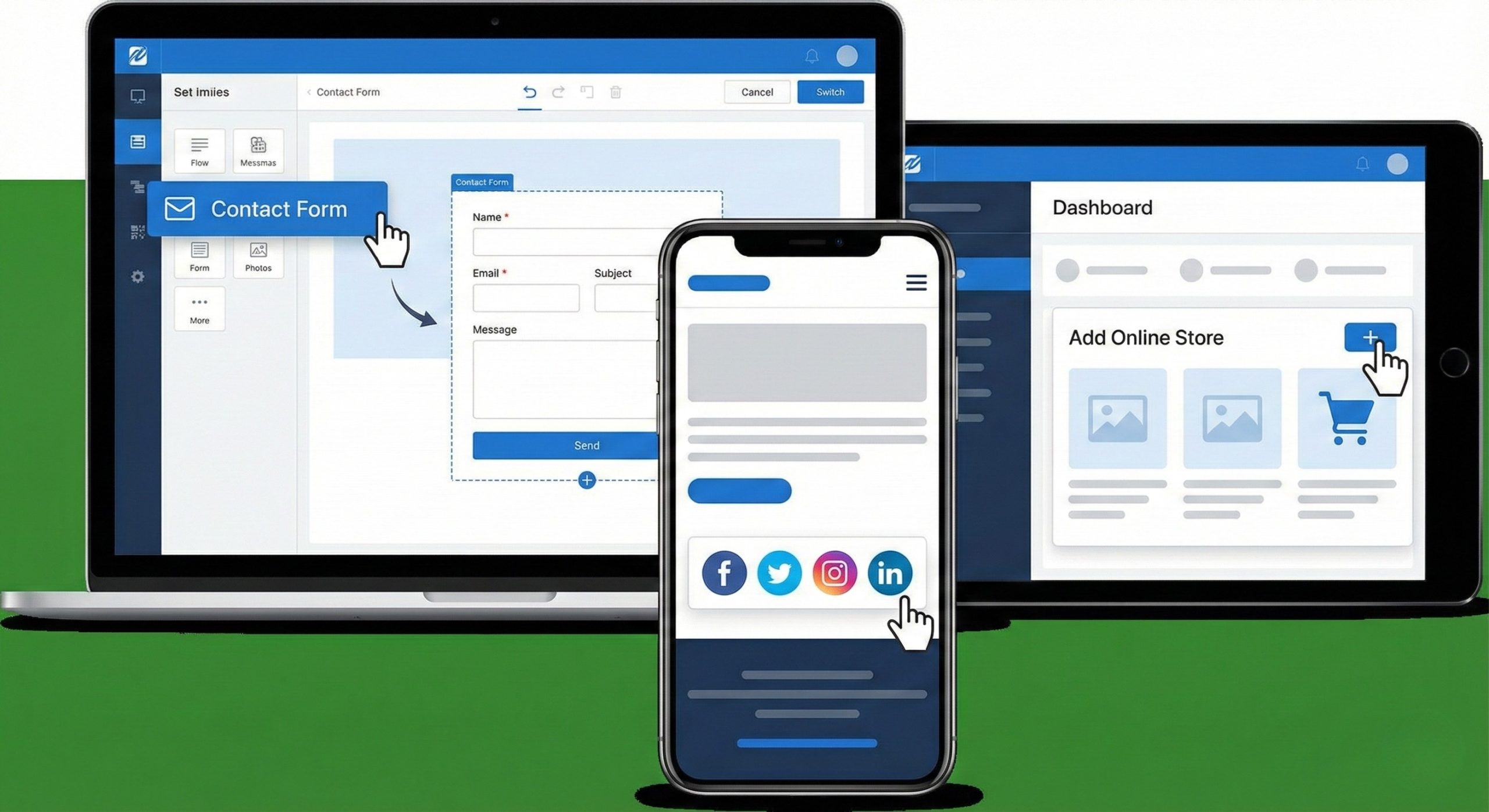
- Add or Remove Features: Need a contact form, social media buttons, or an online store? You can add these features with just a few clicks.
Step 4: Add Content
Once you’re happy with the look of your site, it’s time to add your content. This is where you get to tell your story, showcase your work, or promote your business. AI tools often make this easier by suggesting content for you, but you can always add your own text.
Here are a few tips for adding content:
- Keep it Simple: Short, clear text works best for websites. Focus on key information, and break up long paragraphs into smaller sections.
- Use High-Quality Images: Visuals make your site more attractive, so choose clear, high-quality images. AI tools often offer free stock images that you can use, or you can upload your own.
- Make Navigation Easy: Ensure that it’s easy for visitors to navigate your site. AI tools usually make this simple by automatically setting up menus and links for you.
Step 5: Publish Your Website
Once you’ve got everything set up, it’s time to publish your website! With most AI design tools, this is as easy as hitting the “Publish” button. Your site will go live, and you can start sharing it with the world.
But your work doesn’t stop there. You’ll want to keep your website updated with fresh content, like blog posts, new products, or portfolio pieces. AI tools make this easy, so you can always make changes whenever you need to.
Step 6: Keep Improving Your Site
Even after your site is live, there’s always room to make improvements. AI design tools make it easy to tweak and update your site, whether you want to change a color, add new features, or optimize your site for search engines (SEO).
Many tools also give you analytics, so you can track how visitors are interacting with your site and make data-driven decisions on how to improve it.
Final Thoughts
Building a stunning website doesn’t have to be difficult or expensive. With AI design tools, anyone can create a beautiful site quickly — no coding required! A little time and creativity are all it takes to have a site that looks great and works perfectly.
If you need professional help, Blazon is here to assist. As a website development services company, we specialize in custom websites that meet your specific needs. Whether you want a portfolio, blog, or online store, Blazon can bring your vision to life.
Get started with an AI design tool or contact Blazon today to create a website that stands out!